
Best Refurbished Laptop for Students in Canada: Complete Buying Guide
For many Canadian students, a refurbished laptop can provide the performance needed for school, CEGEP, college or university while keeping the budget under control.The key is to choose a computer based on your courses, the software you use and how you plan to use the laptop every day.
In this guide, we explain how to choose a refurbished laptop for school in Canada, including the processor, RAM, SSD storage, battery, screen size and other important features.
If you are also comparing refurbished computers more generally, read our refurbished laptop buying guide before making your final decision.
What Is the Best Refurbished Laptop for a Student?
For most students, a practical starting configuration is:
| Component | Recommended for Most Students |
|---|---|
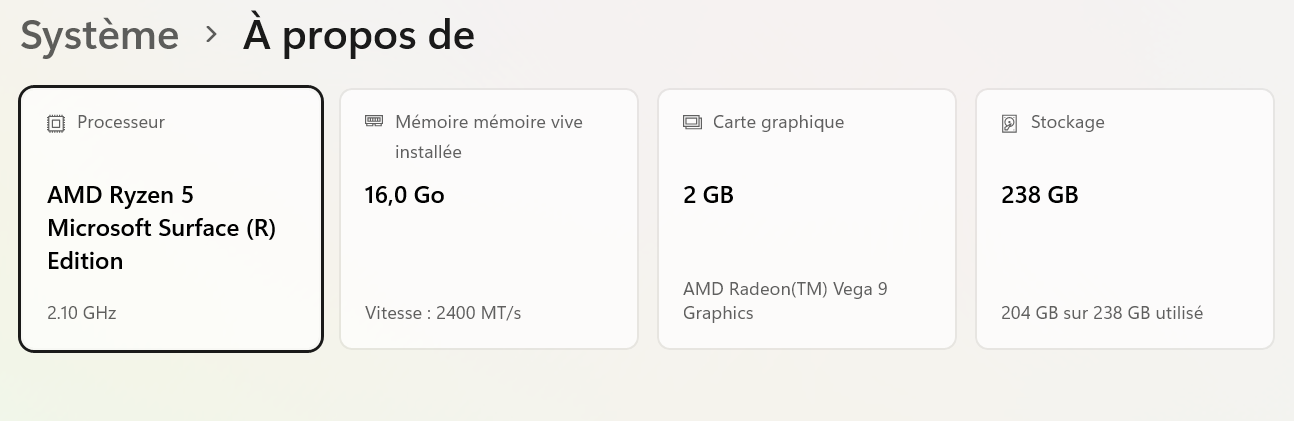
| Processor | Intel Core i5 or AMD Ryzen 5 |
| RAM | 8 GB minimum |
| Storage | 256 GB SSD minimum |
| Display | 13 to 15.6 inches |
| Webcam | Recommended for online classes |
| Wi-Fi | Required |
| Operating system | A currently supported operating system |
| Battery | Suitable for your school-day routine |
Students studying engineering, architecture, computer science, graphic design, video production or other technical fields may benefit from
16 GB of RAM, a faster processor or dedicated graphics.
There is no single best laptop for every student. The right choice depends on your program, your applications and your budget.
You can compare current models in the
GoodPC refurbished laptop catalogue
.
1. Start With Your School Program
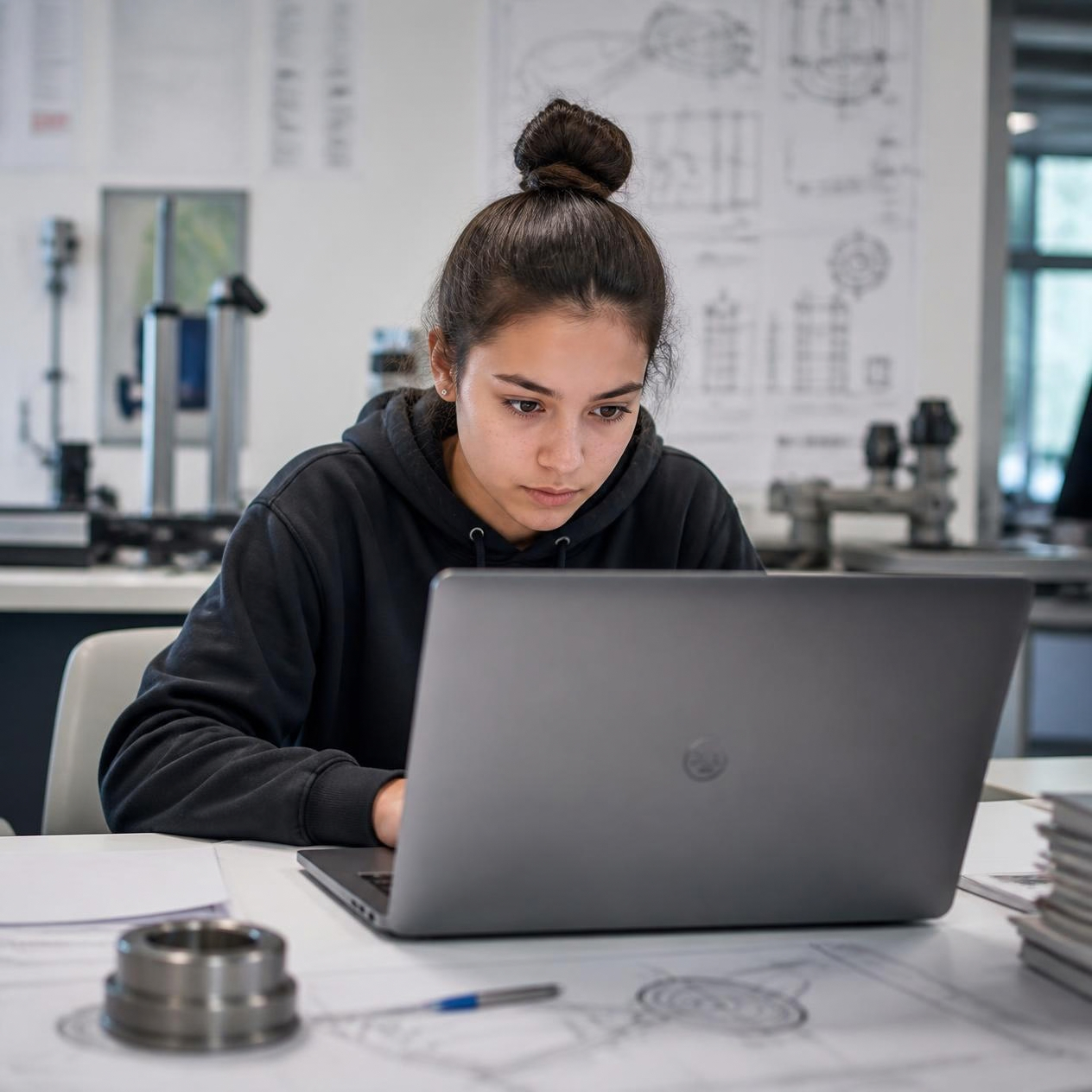
Before comparing laptops, make a list of the programs you will need during the school year.
A student mainly using Microsoft Word, Excel, PowerPoint, Google Docs, Chrome, Zoom or Microsoft Teams will usually have very different hardware requirements from someone using CAD, engineering, programming, 3D modelling or video-editing software.
Always check the official system requirements of the software required by your school, CEGEP, college or university before buying.
Laptop for Elementary and Secondary School
For school assignments, internet research, online learning platforms and video calls,
8 GB of RAM and a 256 GB SSD can be a practical starting point.
Laptop for CEGEP or College
Students who regularly work with several browser tabs, Microsoft Office, PDFs, online courses and videoconferencing applications should prioritize comfortable multitasking performance.
Laptop for University
University requirements vary significantly by program.
Business, humanities and social-science students may primarily need productivity software, while engineering, computer science, architecture and multimedia programs can require considerably more computing power.
2. Choose the Right Processor

The processor, also called the CPU, has a major impact on how responsive a laptop feels.
For general schoolwork, an Intel Core i5 or AMD Ryzen 5 can provide a good balance between performance and cost.
A Core i3 or Ryzen 3 may be sufficient for lighter workloads, while students running more demanding applications may need a higher-performance processor.
When comparing refurbished laptops, do not look only at labels
